For gold and jewellery: by the gram, a quote in dollars, a number per piece, and installments.
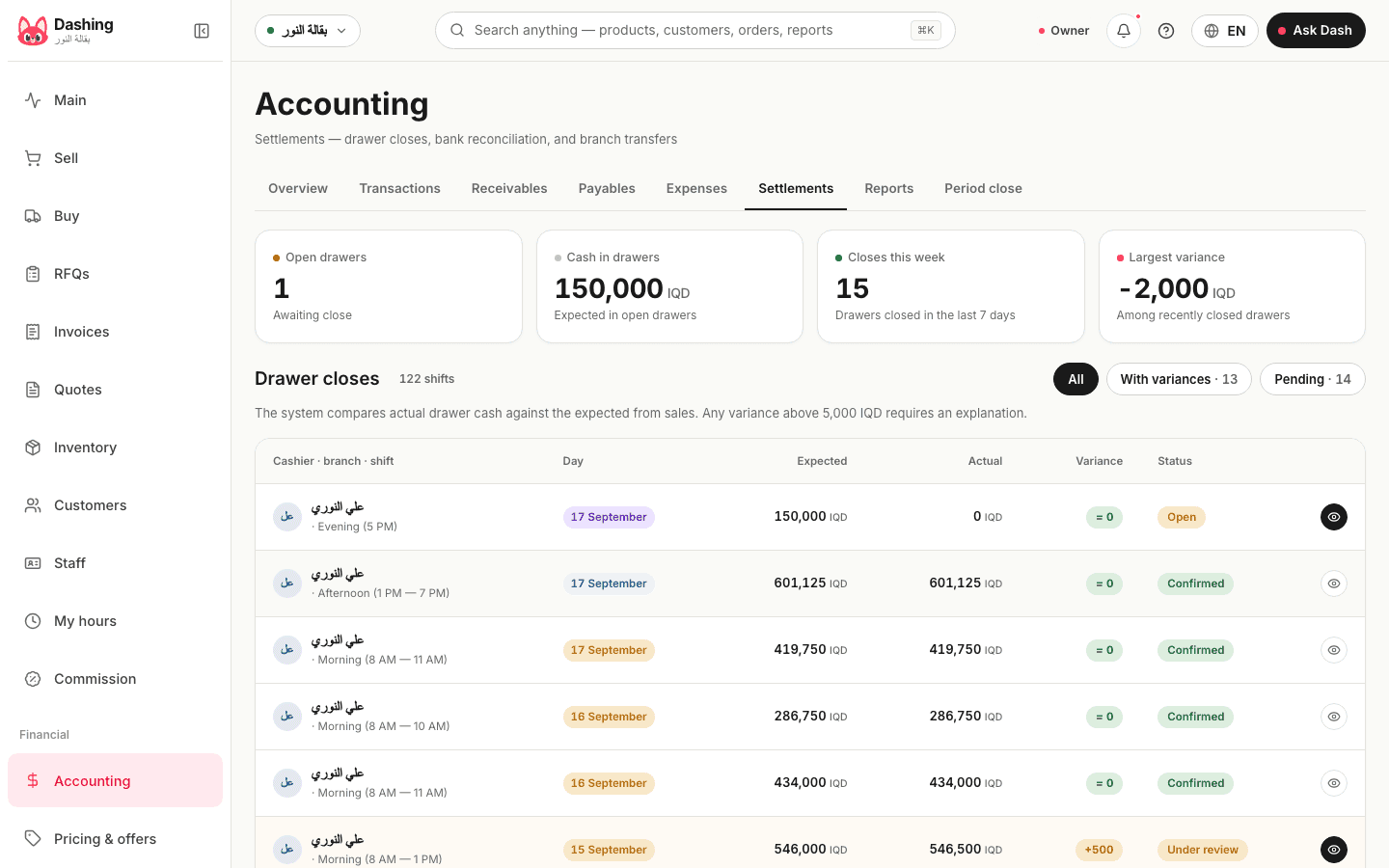
Dashing for gold shops sells by the gram, with fractional weights, at the gram price you set that day; prices quotes in dollars when the customer asks, with the invoice and books in dinars; and gives every piece a number that follows it from purchase through sale to return. At the end of the day the drawer is counted, and with blind close switched on in Settings, the staff member does not see the expected amount before counting.
The gram price changes every day
An item's price can be updated at any time from its page, or Dash can suggest the update on a card you approve, recorded under your name in the audit log. Sales by weight: 4.35 grams at the gram price, or a weighed piece by its number. A quote in dollars at the exchange rate you type (a rate older than 7 days is flagged as stale) is booked in dinars when it becomes an invoice. There is no automatic feed for the gold price or the exchange rate.
The piece and the drawer
- A serial per piece once tracking is switched on in Settings, recorded at purchase and kept through the sale and the return
- Installment sales with a plan on the invoice; on cancellation the deposit is kept by default and can be refunded
- A blind drawer count switched on in Settings (it is off by default): the expected amount stays hidden until the staff member enters their count, and a written reason is required when the difference exceeds the threshold you set
- Per-screen permissions per employee, and an audit log that cannot be edited or deleted, keeping who did what and when
- A return by number from the invoice itself, refunded in cash or as a balance on the customer account
What it does not do
No karat or making-charge fields and no automatic gold-rate feed; the price is typed. No scale integration: the weight is typed.
Common questions
Can I change the gram price daily?
Yes, from the item page at any time, or from a card Dash suggests and you approve. There is no automatic feed.
Does the staff member see the expected amount at close?
By default, yes. Switch on blind close in Settings to keep it hidden until they enter their count, and set the threshold above which a written reason is required.
From the blog
Related
Try it in your shop, free, no card.
The free plan: the whole shop for one branch, an offline cashier with stock, debts and accounting, and no cap on selling. What it includes